
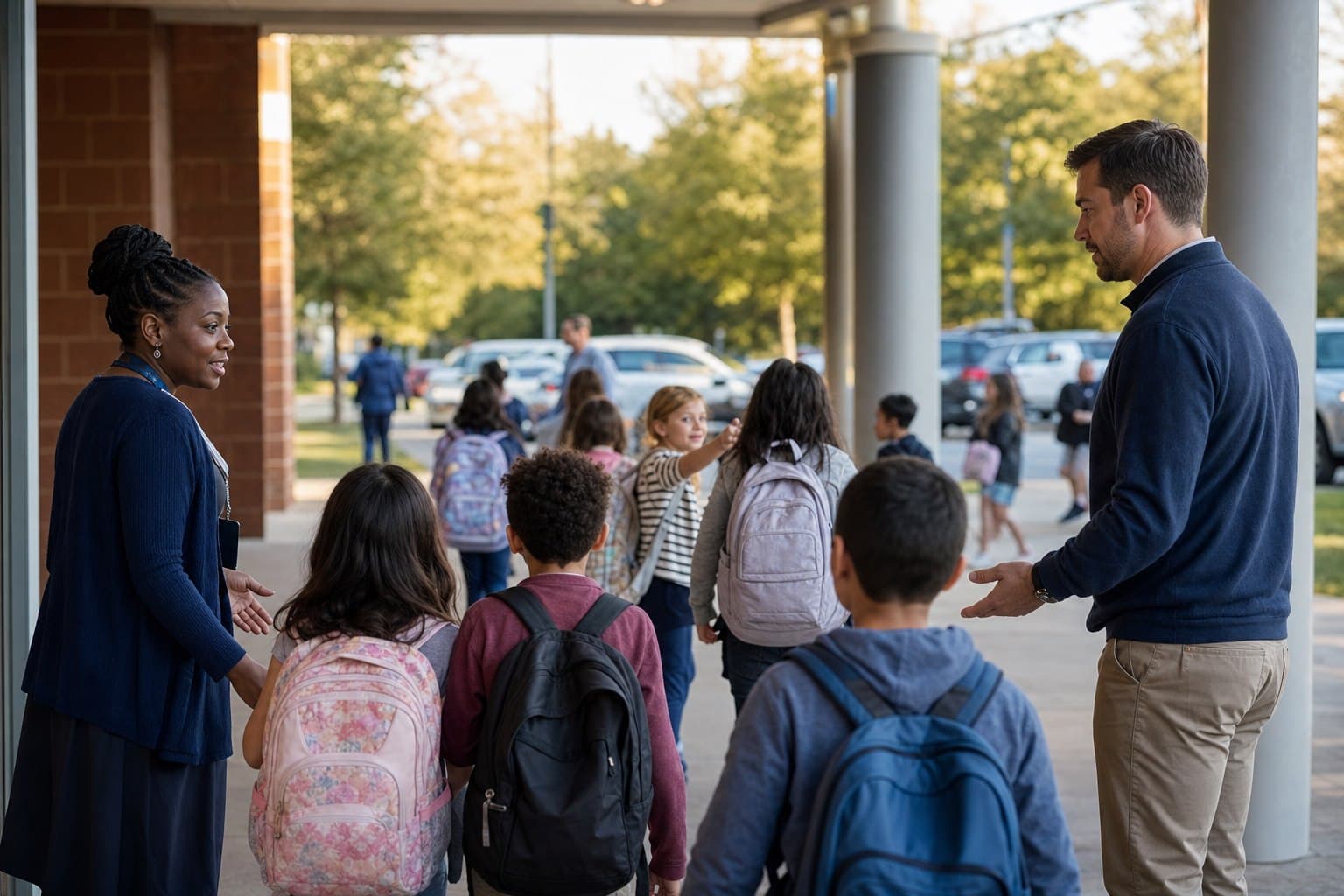
What school dismissal software should solve
Dismissal compresses hundreds of individual plans into a short operational window. A parent changes pickup mode, a grandparent arrives instead, a bus is delayed, and a walker needs a different exit. The problem is not simply speed. Staff need a current plan, the right authorization context and a reliable way to communicate status.
SchoolsOut connects parent-submitted dismissal changes, a browser-based school dashboard, parent arrival announcement, live dismissal, notifications and release reporting. The goal is a common operating picture for office staff, dispatchers, teachers and families.
- See the expected pickup mode before release
- Surface changes without rebuilding paper lists
- Coordinate car, walker, bus and other configured lines
- Keep a record of who collected, when and by which mode
Why paper lists and disconnected messages fail
Manual processes often work until the exception arrives. A printed roster becomes stale after a phone call. A message reaches the front office but not the teacher. A radio instruction has no durable context. Staff then spend the busiest minutes reconciling versions of the truth.
A digital workflow does not remove professional judgment. It reduces avoidable ambiguity by putting changes and live status in a shared system. Schools should still define escalation procedures for unusual, disputed or emergency situations.
A practical dismissal workflow
Before dismissal, families communicate plan changes and the school reviews the day’s expected modes. As adults arrive, the parent tool can announce arrival and staff can progress students through the live dismissal view. At handover, the relevant collector and mode can be checked. Afterward, the school can refer to release history and reports.
Configuration matters. A small private school, a multi-line elementary campus and an international school with drivers and nannies do not use identical language or checkpoints. A SchoolsOut pilot should model the real campus flow, not an idealized generic process.
What to evaluate in a dismissal system
Ask vendors to demonstrate the entire exception path, not only the happy path. How does a same-day change appear? Who can see it? What happens when the expected adult does not arrive? Can staff distinguish an arrival signal from a completed release? What record is retained?
Also evaluate family usability, device requirements, staff roles, reporting, accessibility, language needs, onboarding and the behavior of the system when connectivity is unreliable. SchoolsOut can discuss configuration and implementation during a workflow review; this page does not claim an automatic legal or safety outcome.
The dismissal exceptions a serious system must handle
The ordinary pickup plan is rarely the hardest part of dismissal. The real test is what happens when the plan changes after staff have prepared their lists, when two adults believe they are collecting the same child, or when a parent announces arrival at the wrong entrance. A useful system keeps the exception attached to the child’s current plan and makes the next decision visible to the staff responsible for it.
Define the cutoff, reviewer and how teachers learn the plan changed. A digital request should not silently become an approved instruction.
Pause the handover, compare current context and follow the school’s escalation procedure.
Move a student between car, walker, bus or another mode without creating two active plans.
Keep the student visibly unresolved until the responsible team determines the next step.
During a demonstration, ask to see each path from beginning to end. A polished carline screen is not enough if clarity disappears when the day deviates from plan.
How to evaluate and implement dismissal software
Begin with a process map rather than a feature checklist. Document when families may submit changes, who reviews them, where each pickup mode stages, how arrival is recognized, which role initiates release, and when responsibility transfers. Mark every place where staff currently call, radio, copy information, rebuild a list or rely on memory.
A pilot should use representative operations and real staff roles. Agree success criteria before launch: fewer conflicting plans, fewer manual relays, confident exception handling and accurate completion records. Do not promise an arbitrary percentage time saving.
Frequently asked questions
What is school dismissal software?
It is an operational system for coordinating how students leave school, including plan changes, pickup modes, parent arrival, live release status, notifications and records.
Can SchoolsOut support car and walker lines?
The product materials and existing public site identify car and walker lines and multiple pickup modes as current capabilities. Exact configuration should be confirmed for each school.
Does software replace school pickup policies?
No. Software supports the workflow, but the school remains responsible for its policies, staff decisions, safeguarding and legal obligations.
Can parents change dismissal plans?
SchoolsOut supports parent dismissal changes. Schools should configure who may submit changes and how staff review them.